Z-Video Generator — Try It Now
Generate AI video with Z-Video directly from the homepage. Start with a text prompt or upload an image — your next video in minutes.
0 / 5000
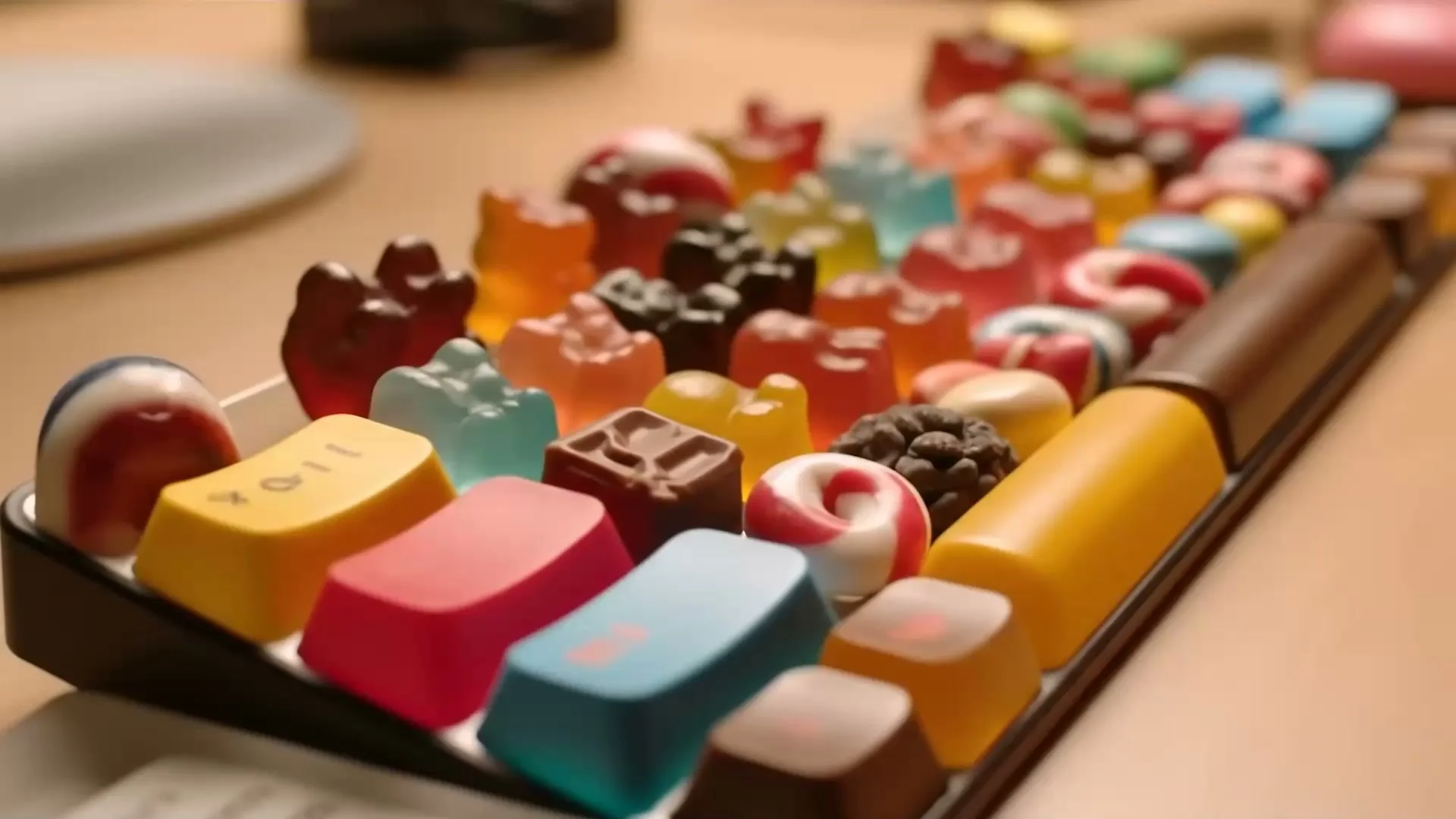
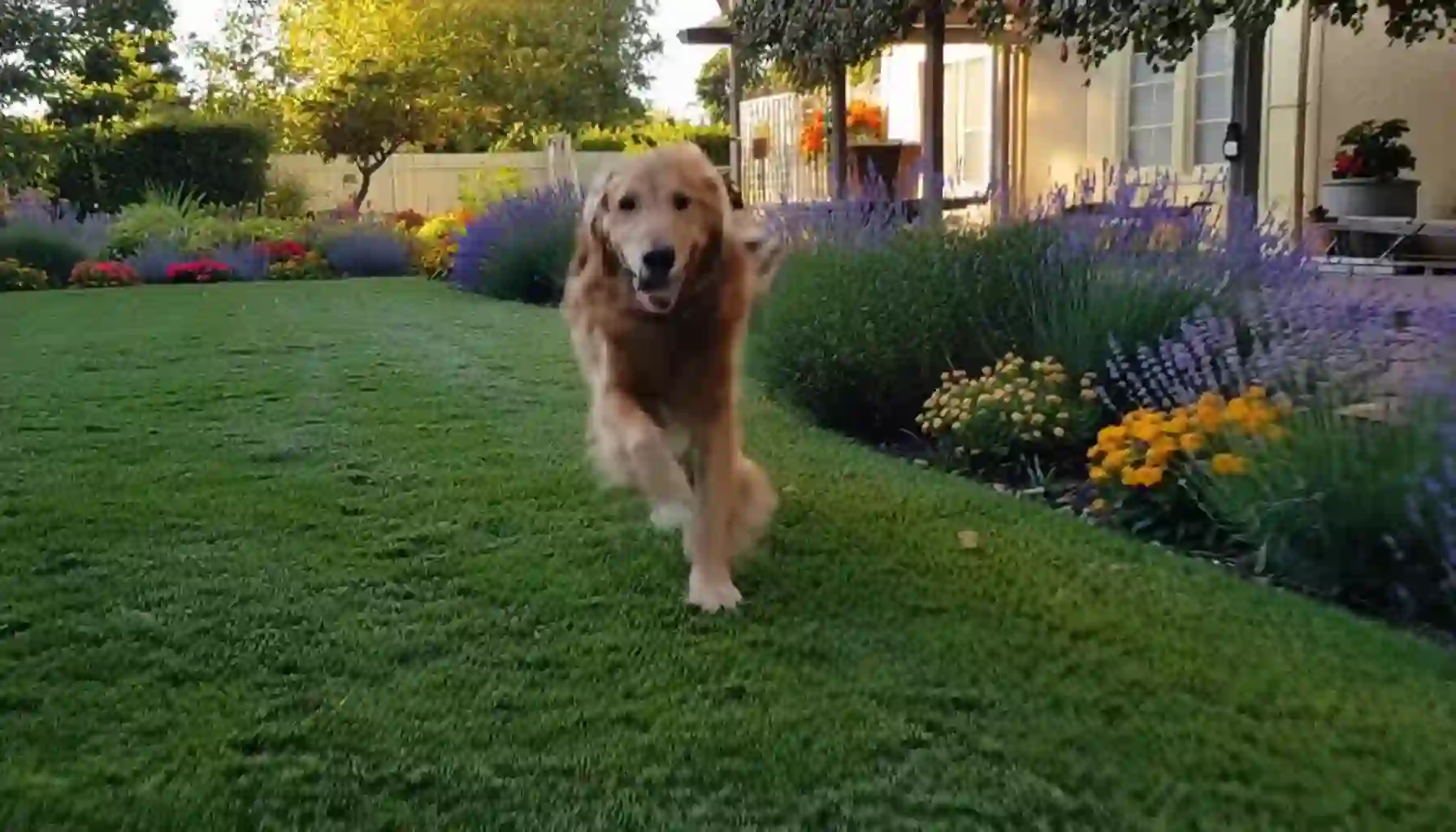
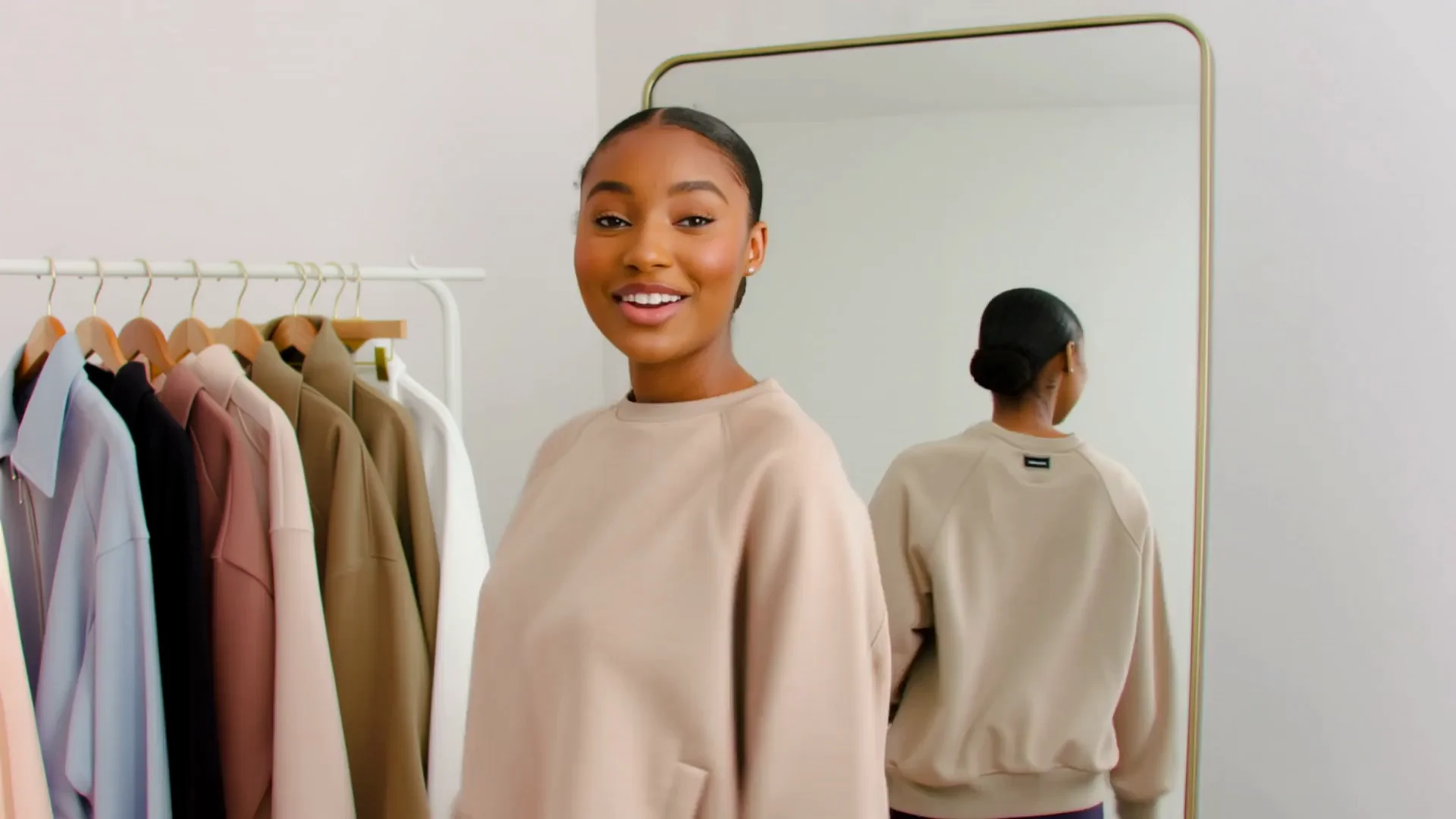

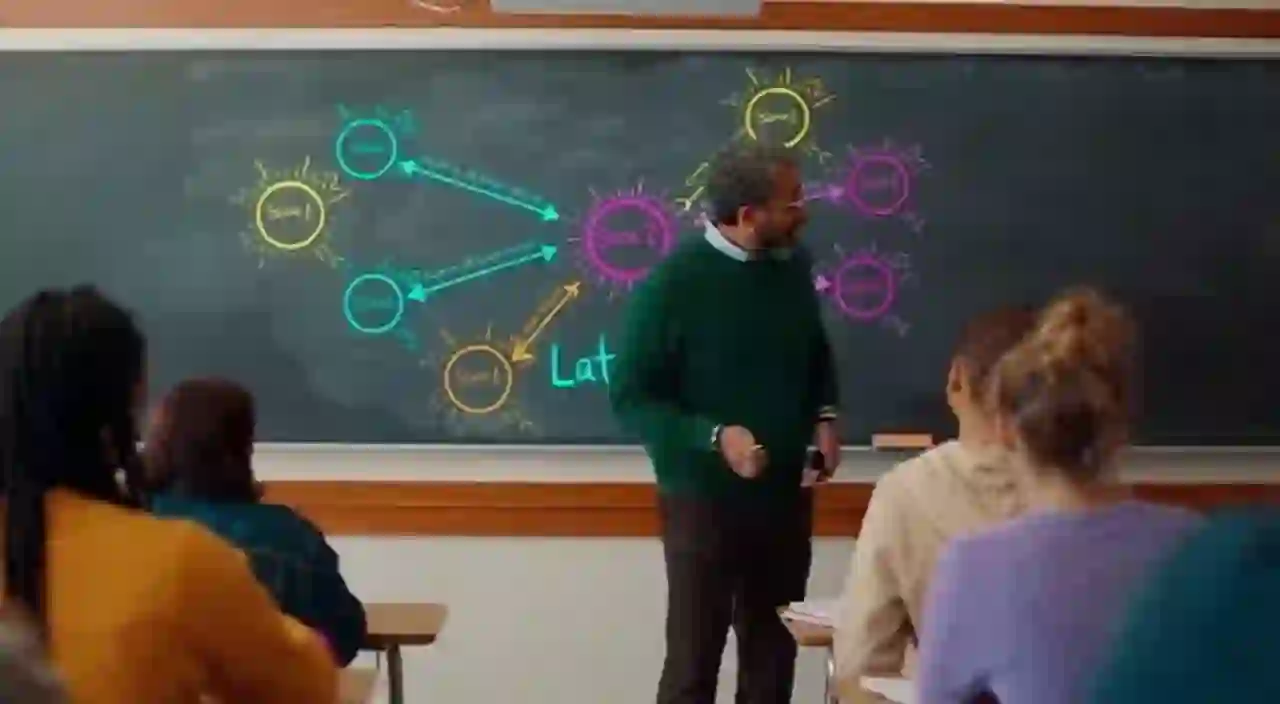
Z-Video AI Gallery
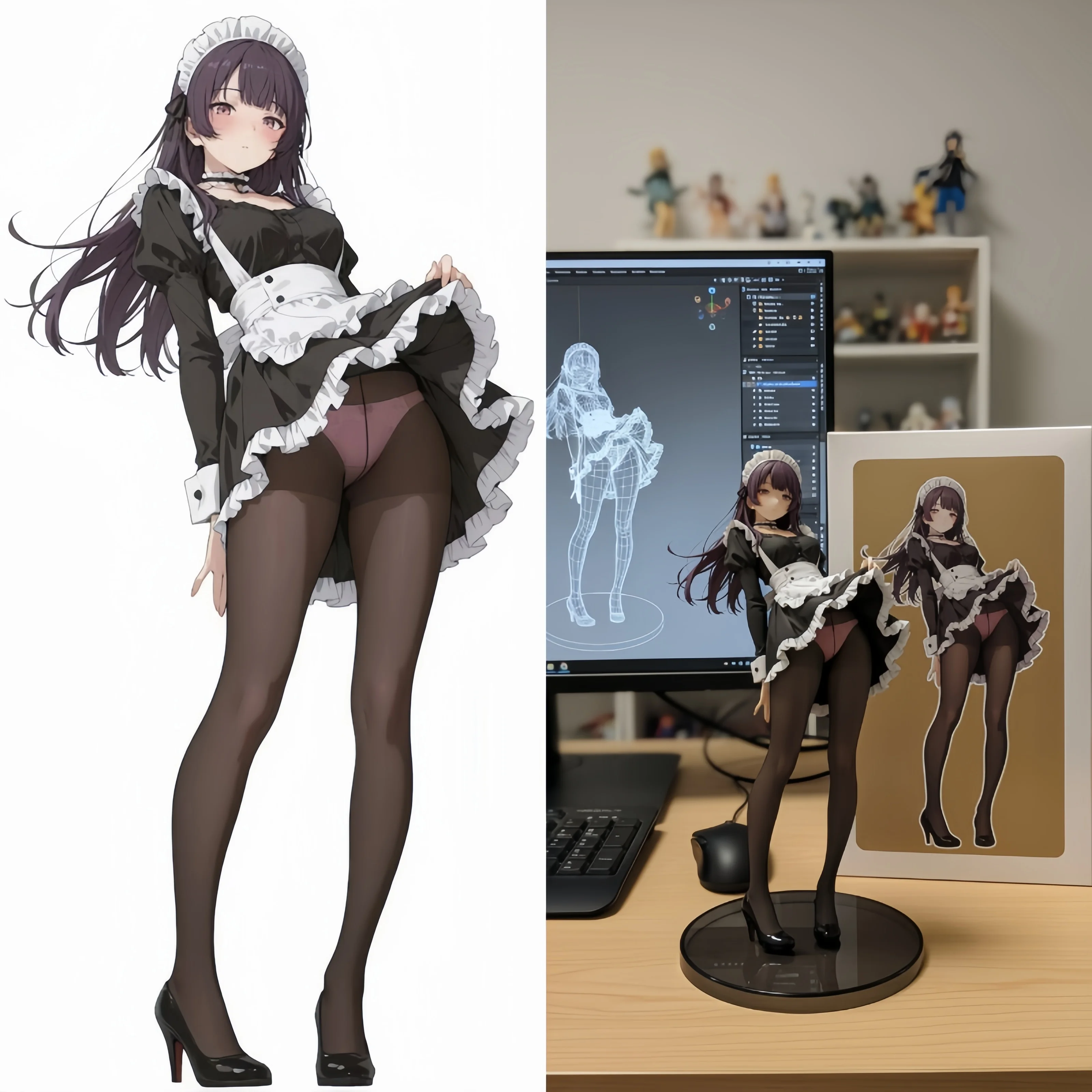
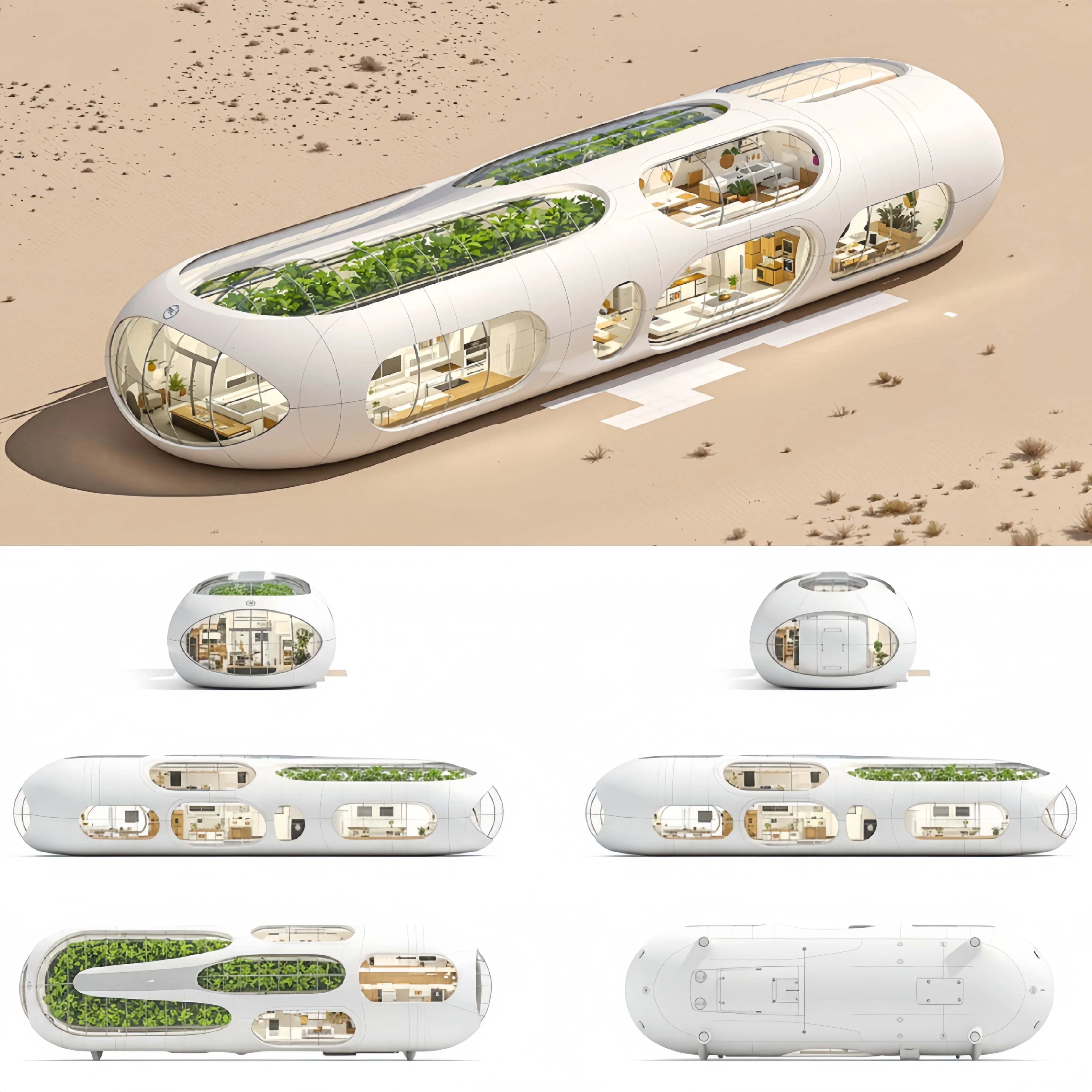
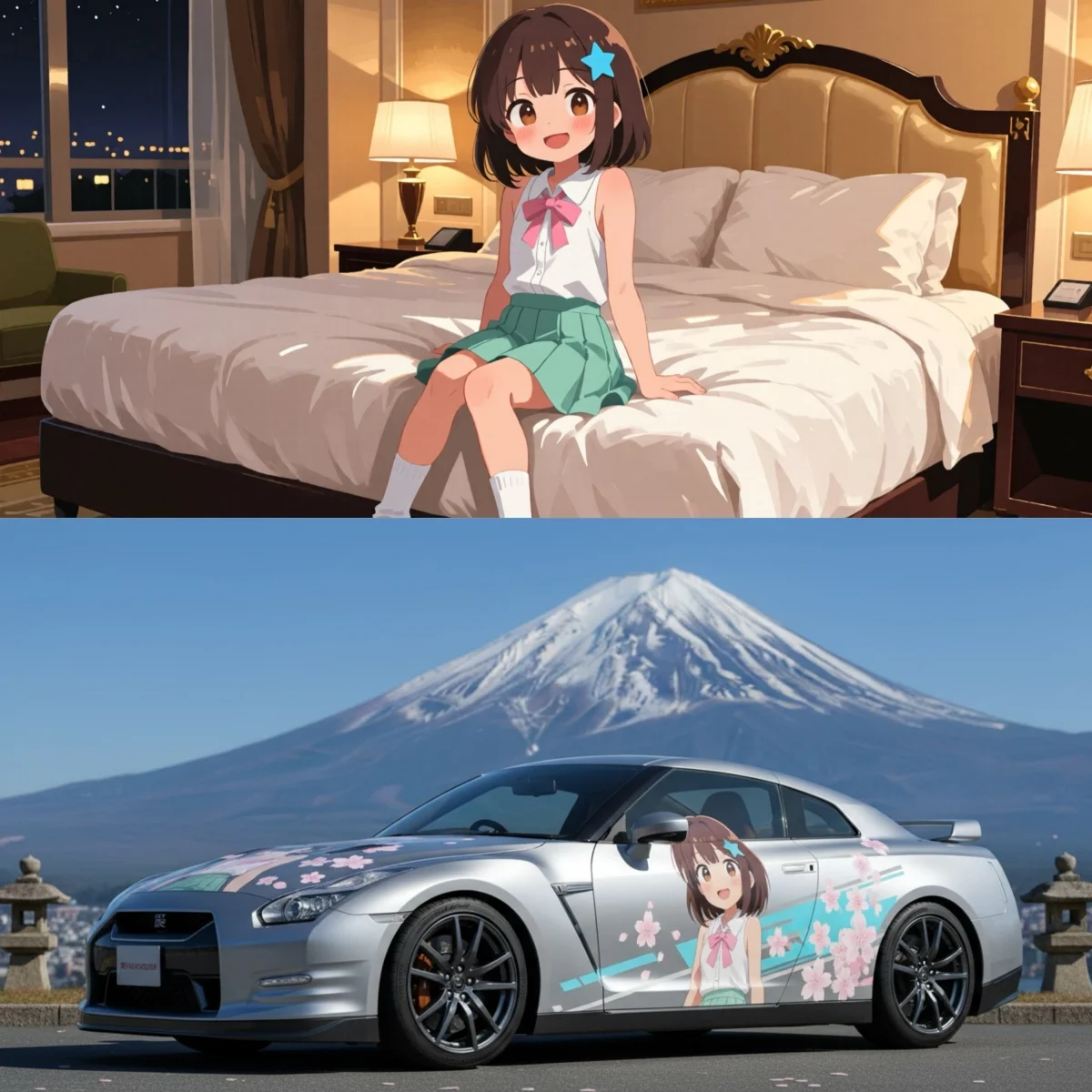
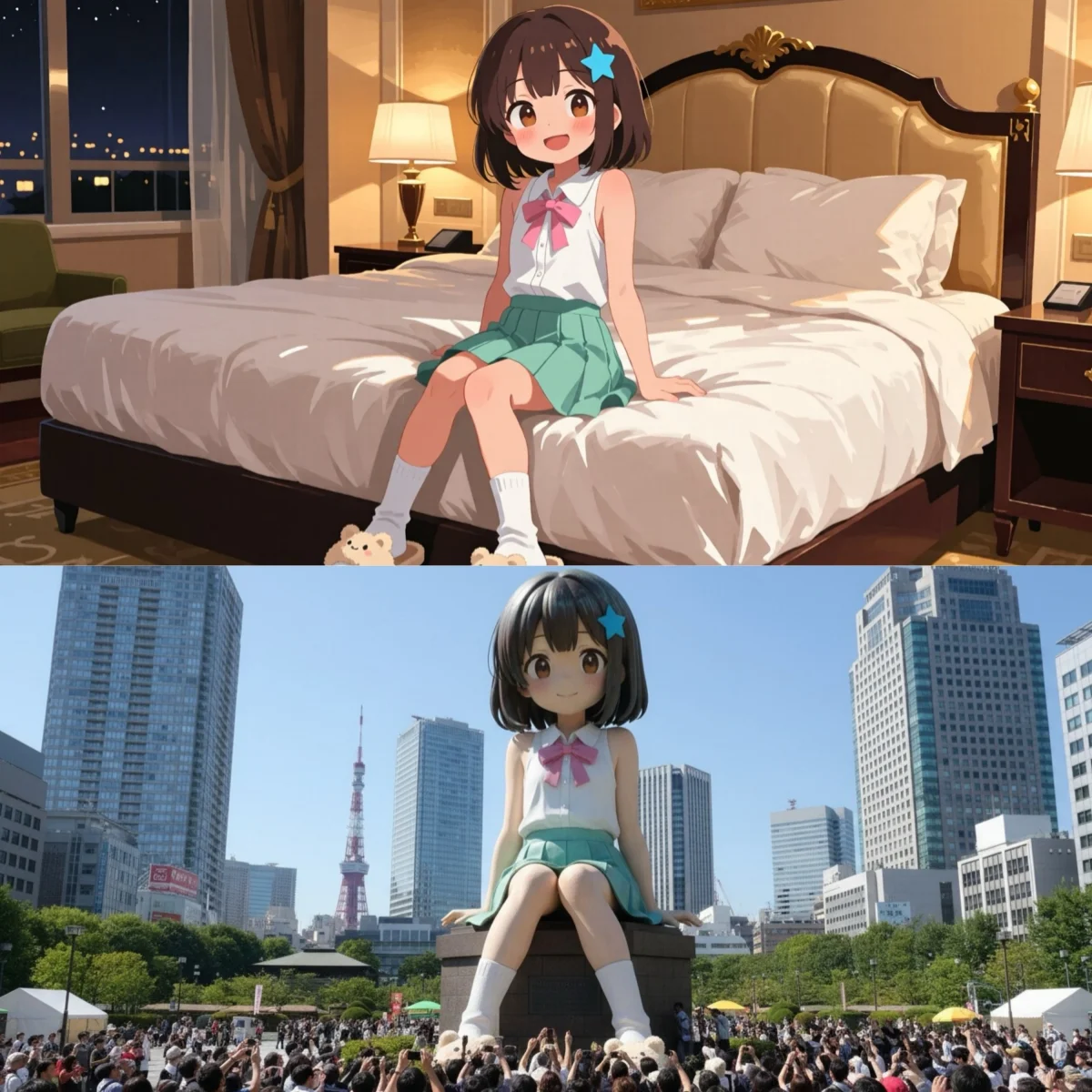
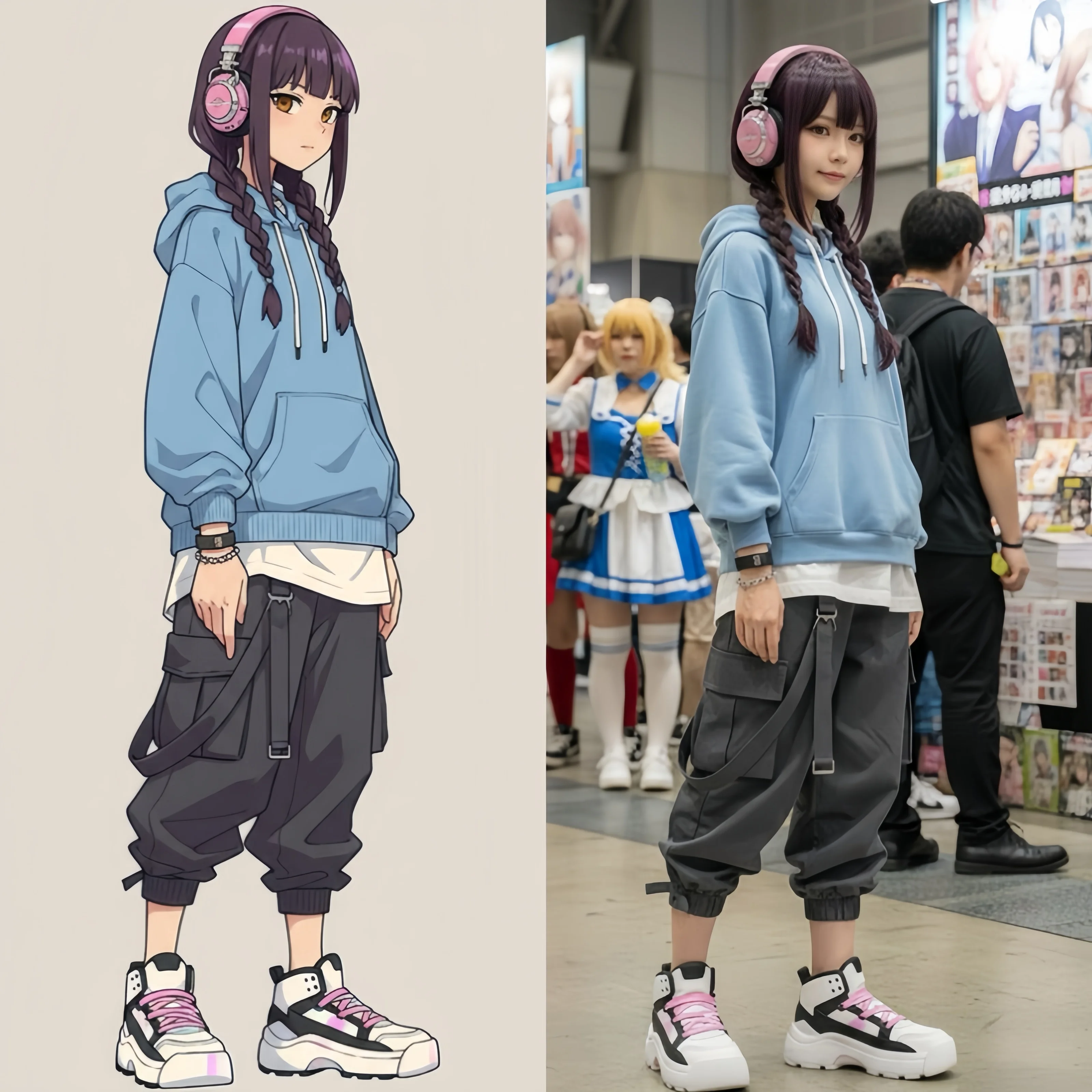
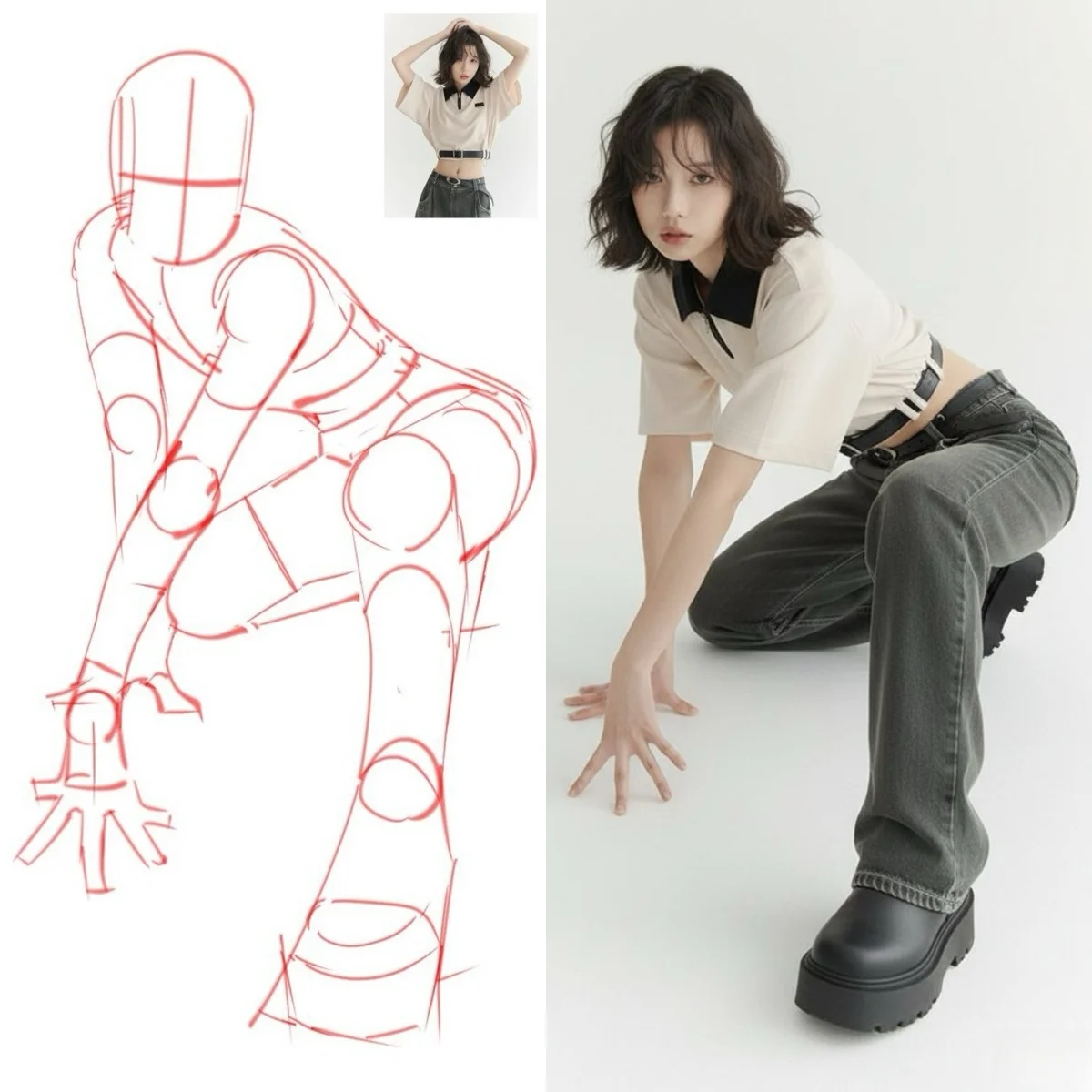
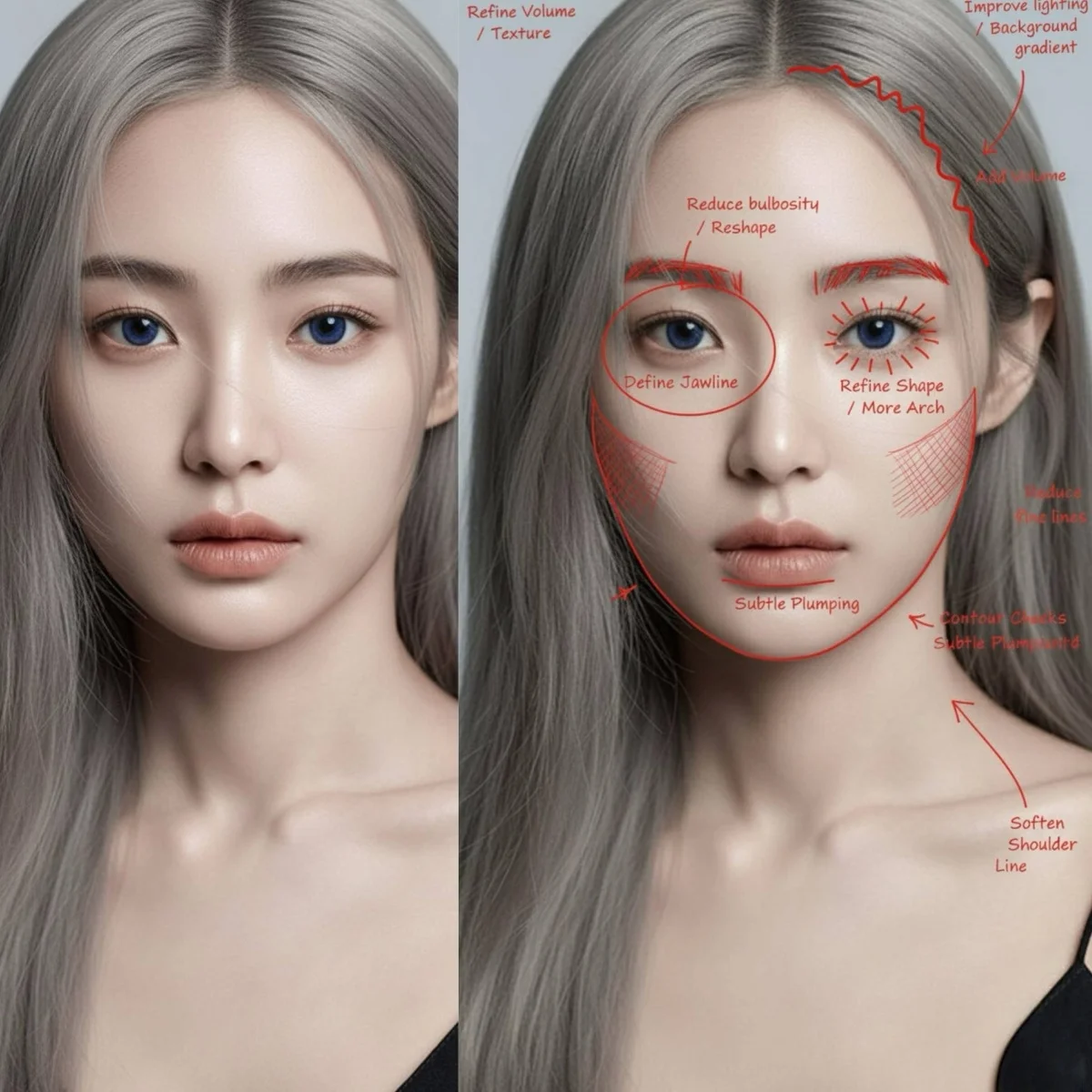
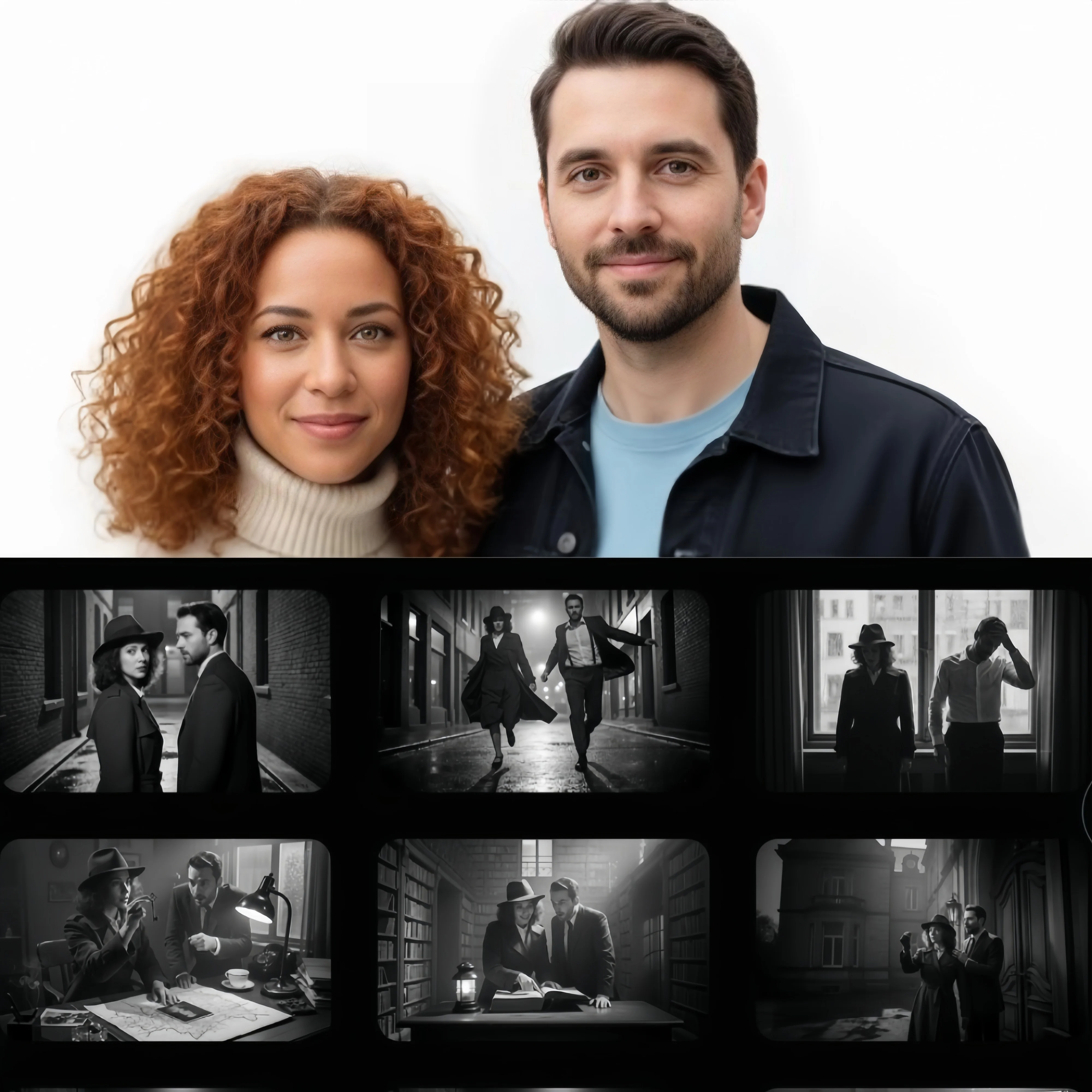
Videos and images generated with Z-Video AI — cinematic clips, animated stills, high-resolution images, and more. Get inspired for your next prompt.
What Is Z-Video?
Z-Video is an AI video generation model that produces high-quality video from text prompts and images. Designed for cinematic output with strong visual consistency and temporal coherence — Z-Video AI handles the full generation pipeline from prompt to finished clip.
The Z-Video AI engine is built for creative video production: turn text prompts into compelling scenes, animate still images into fluid sequences, and generate high-quality video output without any technical setup or local rendering.
Z-Video.app is where you run the Z-Video generator — alongside Kling, Veo, Flux, and more. Compare models, pick the right engine for each project, and create with a single account.
Z-Video Model & AI Engines
Run Z-Video AI alongside Kling, Veo, Wan, Runway, and top image models — each engine optimized for different creative tasks.
Z-Video
VideoZ-Video is an AI video generation model that produces high-quality video from text prompts and images. Designed for cinematic output with strong visual consistency and temporal coherence — Z-Video AI handles the full generation pipeline from prompt to finished clip.
Kling
VideoKuaishou's DiT video engine with 3D VAE spatial modeling. Co-generates video and audio — synchronized dialogue, sound effects, and music without post-production. 5-10s at up to 1080p with motion control for character animation. Supports multi-scene sequences, 4K output, and chain-of-thought motion reasoning.
Veo
VideoGoogle DeepMind's cinema-grade video generator. 8-second clips at broadcast-quality resolution with built-in AI audio. Leads in cinematic expression and scene reasoning. Integrated editing tools for object manipulation and style transfer.
GPT Image
ImageOpenAI's image model ranked #1 on LMArena, Design Arena, and Artificial Analysis Image Arena — three independent text rendering benchmarks. Pixel-perfect typography for signage, posters, and branded graphics.
Flux Pro
ImageBlack Forest Labs' fastest image engine. Sub-10-second generation with benchmark-leading win rate and benchmark-leading on reference editing. 1K-2K output optimized for batch production and rapid A/B testing.
Nano Banana
ImageGoogle's character-consistent image generator. Locks faces and outfits across generations with up to 8 reference images at 4K. Google Search grounding available for real-world subject accuracy using up to 14 references.
Seedream
ImageByteDance's native 4K image engine. Up to 4096×4096px across 8 aspect ratios with design-grade text rendering. Chain-of-Thought visual reasoning available for complex multi-element compositions.
Runway Gen-4
VideoRunway's Gen-4 Aleph for AI video editing. Transform existing videos with text prompts — style transfer, object manipulation, scene modification while preserving original motion. Multiple aspect ratios and professional output quality.
Z-Video Generation Tools
Text to video, image to video, motion control, and more — run Z-Video AI and the world's leading models side by side in your browser.
Text to Video AI
Turn words into video. Describe your scene and Z-Video AI generates a cinematic clip with strong visual consistency and temporal coherence. Also available: Kling with native audio co-generation and Veo for cinema-grade output.
Create VideoImage to Video AI
Bring any still image to motion. Upload a photo and Z-Video AI animates it with spatial awareness — preserving depth, lighting, and structure while adding smooth, physics-accurate movement. Kling's 3D VAE maintains object consistency across every frame.
Animate ImageKling Motion Control
Transfer motion from any reference video onto a character image. Kling motion control extracts movement frame-by-frame with full-body synchronization and finger-level hand precision — for dance choreography, martial arts, sign language, and performance sequences.
Try Motion ControlAI Image Generator
Generate high-resolution images with Z-Image, GPT Image, Seedream, Flux Pro, and Nano Banana. From photorealistic portraits to stylized illustrations — text-to-image and image-to-image workflows at 1K to 4K with full commercial licensing.
Generate ImagesWhy Use Z-Video?
Z-Video AI delivers cinematic video generation with strong visual consistency — alongside Kling, Veo, and top image models for every creative workflow.
Z-Video AI Generation
Z-Video AI produces high-quality cinematic video from text prompts and images — strong visual consistency and temporal coherence across every frame. The core video generation engine powering this platform.
Kling Native Audio Co-Generation
Kling generates video and audio simultaneously — synchronized dialogue, sound effects, and background music produced alongside the visual output. Built on Kuaishou's DiT architecture with 3D VAE for spatially consistent physics: object positions, lighting, and perspective stay coherent across frames.
Kling Motion Control & Animation
Kling motion control transfers reference video motion onto character images with finger-level precision. Full-body synchronization captures joint positions, weight transfer, and subtle gestures — 720p/1080p output and up to 30 seconds of continuous single-generation video.
Veo, Kling, Runway, and More
Veo for cinema-grade output with AI audio, Wan for HD image-to-video, Kling for motion control and native audio, Runway for AI video editing, GPT Image for text-accurate graphics, Seedream for 4K images, Flux for speed. Compare models on the same prompt and pick the output that ships.
Browser-Based, No Equipment Required
No downloads, no GPU, no motion capture suits or camera rigs. Open your browser, type a prompt or upload references, and generate. Watermark-free output for commercial use — social media, advertising, music videos, product demos, and client deliverables.
How to Use the Z-Video Generator
Create AI video with Z-Video in three steps — no technical skills or equipment required.
Write Your Prompt or Upload a Reference
For text-to-video, describe your scene in plain language — setting, subject, mood, and motion. For image-to-video, upload a still photo. The Z-Video generator handles both workflows from the same interface.
Select Z-Video Model and Generate
Choose Z-Video or any AI engine from the model selector. Adjust resolution, duration, and aspect ratio settings. Hit generate — Z-Video AI processes your request and delivers your clip in minutes.
Download and Use Commercially
Download your video output watermark-free. All generations via paid usage are commercially licensed — ready for social media, advertising, presentations, music videos, and client deliverables.
Z-Video FAQ
Frequently Asked Questions about Z-Video AI
Start Creating with Z-Video
Generate AI video with Z-Video — text to video, image to video, and high-quality cinematic output. Veo, Kling, Runway, and more are also available for every creative workflow.